Matt Bio Notion Template Productivity Planner Project Organizer
Matt Bio Notion Template Productivity Planner Project Organizer
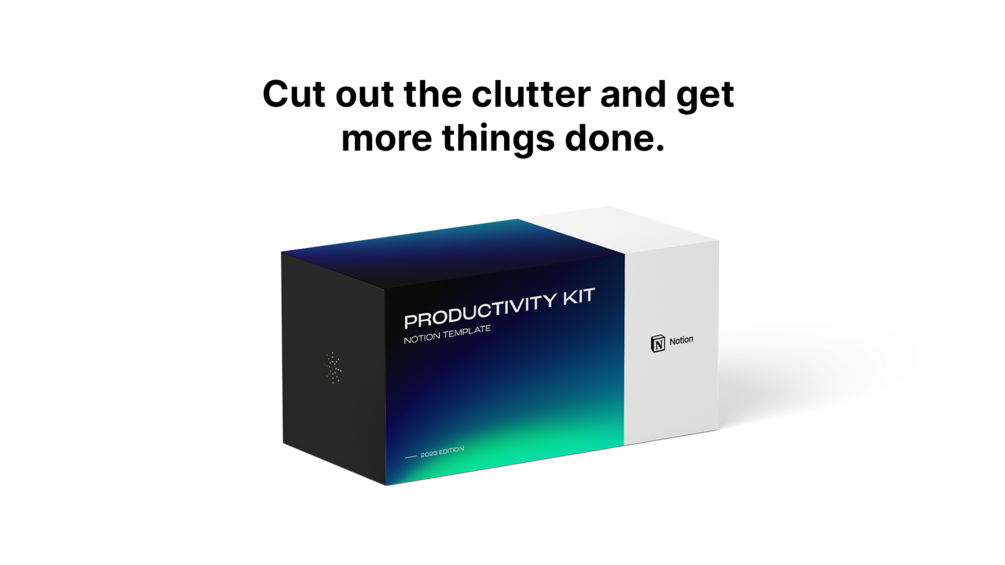
The Productivity Kit delivers an all-in-one Notion workspace designed to streamline workflows, eliminate clutter, and bring key priorities front and center. Seamlessly manage projects, tasks, daily habits, and notes with an intuitive, highly customizable digital setup.
Equipped with a Pomodoro-inspired Focus Mode, calendar overviews, automated tracking, and weekly reflection reports, this system keeps you organized across both desktop and mobile. Experience a structured pre-built framework tailored to reduce procrastination and maximize daily efficiency.
Key Features
| Access | Lifetime |
| Updates | Included |
| Brand | Matt Bio |
| Product Type | Digital Notion Template |
| Platform Compatibility | Notion (Desktop & Mobile) |
| Included Tools | Task Manager, Project Manager, Habit Tracker, Focus Mode |
Highlights
- Complete pre-built workflow for managing tasks, projects, and notes
- Automated habit tracker and structured weekly reflection reports
- Integrated Focus Mode utilizing the Pomodoro technique to cut distractions
- Mobile-optimized dashboard for seamless navigation across all devices
Videos
Compatibility
Compatible with Notion across desktop browsers, desktop applications, and mobile apps (iOS and Android).
How to use
Duplicate the template directly into your Notion workspace after purchase. Customize the pre-built dashboards, organize tasks into project spaces, and activate Focus Mode to manage daily routines.
What's included
- Daily planner - Organize your to-do list and stay organized.
- Task manager - Set deadlines and get things done.
- Project manager - Create projects, set deadlines, complete tasks.
- Habit tracker (automated) - Build new habits to improve your daily life.
- Task prioritization - Identify your most important tasks daily.
- Weekly reports - Recognize accomplishments and reflect on your week.
- Spaces - Easily categorize your work and organize your life.
- Focus mode area - Cut out distractions and complete tasks.
- Calendar view - See your schedule at a birds-eye-view.
- Notes database - Store important information and resources.
- Full pre-built workflow - A workspace designed to optimize your productivity.
- Mobile optimized version - Navigate your workspace faster on mobile.
Frequently asked questions
|
Share