Matt Bio YouTube Creator Notion Template Planner Video Organizer
Matt Bio YouTube Creator Notion Template Planner Video Organizer
Streamline your channel's production with an all-in-one planning workspace designed to manage full-length videos, Shorts, thumbnails, and broad content strategies regardless of your audience size. It delivers an intuitive workflow to keep your schedule organized and accelerate growth across every stage of video creation.
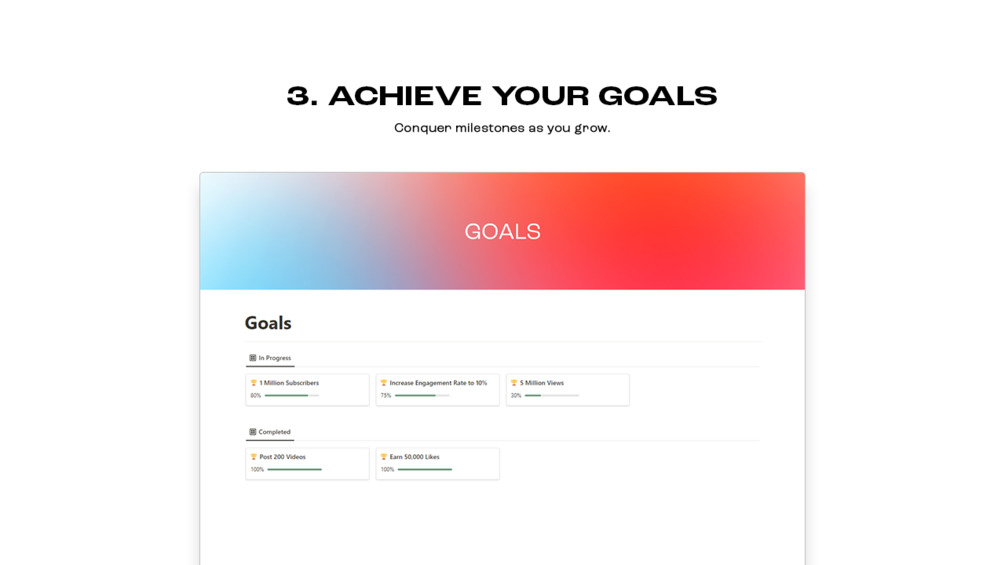
Equipped with an integrated content calendar, brainstorming hub, and milestone tracking system, this template allows creators to easily map out roadmaps and tag assets. It includes lifetime updates, an exportable queue, and curated creator resources to support ongoing channel development.
Key Features
| Brand | Matt Bio |
| Product Type | Digital Notion Template |
| Format | Digital Download |
| Platform Compatibility | Notion |
| Access | Lifetime |
| Updates | Included (Lifetime) |
Highlights
- Draft videos and Shorts
- Content calendar
- Strategy outline section
- Content brainstorming section
- Custom content tagging
- Goal and milestone tracking
- Content organization
- Exportable Content Queue and Content Calendar
- Lifetime updates
- Curated list of helpful creator resources
Compatibility
Compatible with Notion across web browsers, desktop apps (macOS and Windows), and mobile apps (iOS and Android).
How to use
Duplicate the template directly into your personal Notion workspace after purchase to start organizing your YouTube content workflow, calendar, and strategy.
Frequently asked questions
|
Share